Create a task
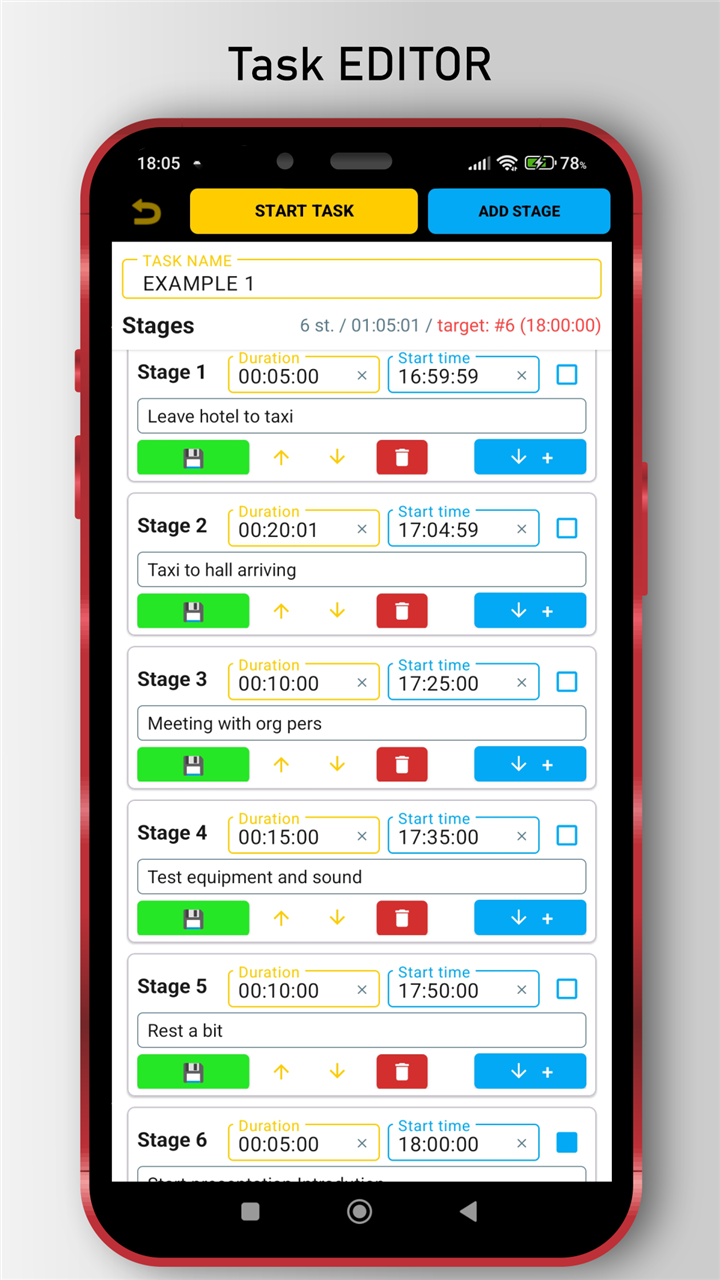
Add stages with duration and a short hint, like "Pack", "Leave", "Taxi", or "Warm up".
 NLtimer
Coming soon for Android
Build a plan from stages, set the target time, press Start, and let NLtimer guide every step automatically. It is a morning routine timer, ADHD timer app, and interval timer with hints for deadline-driven plans.
Closed testing
To take part, follow announcements on this site.
0 people interested

The problem
NLtimer is built for plans where every minute matters: leaving for work, reaching a race checkpoint, starting a presentation, cooking in stages, running a lab protocol, or keeping a training session on pace.
How it works
Add stages with duration and a short hint, like "Pack", "Leave", "Taxi", or "Warm up".
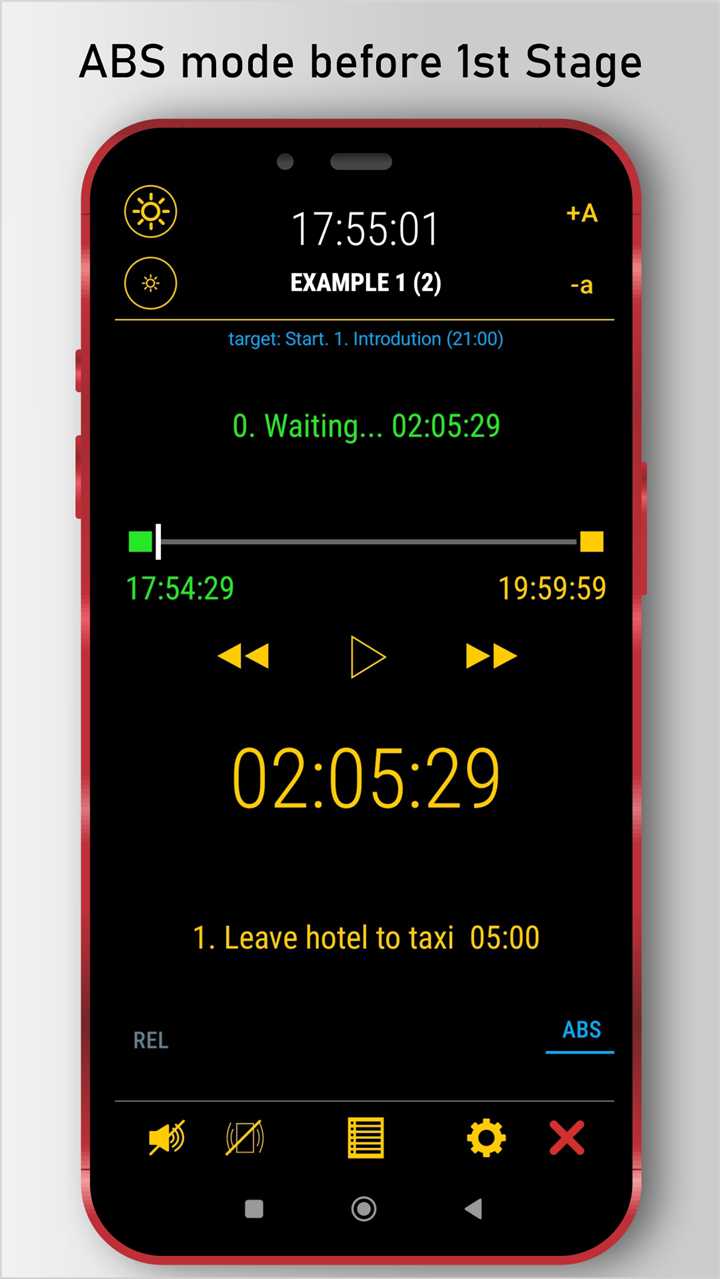
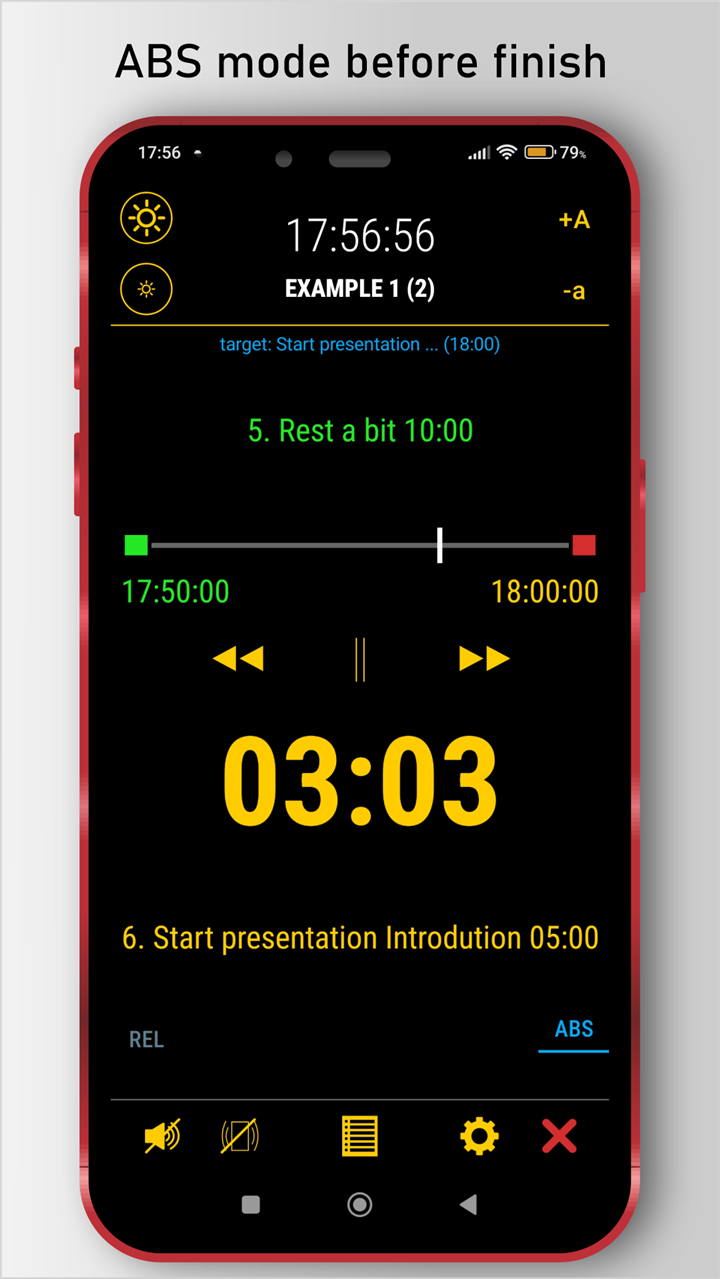
In absolute time mode (ABS), anchor any important stage to real time. NLtimer calculates when the whole plan should start.
The timer switches stages automatically and shows what to do now, what comes next, and whether you are on track.
ABS mode
Set the real target time for a key stage. NLtimer recalculates forward and backward so the whole plan lands where it should.
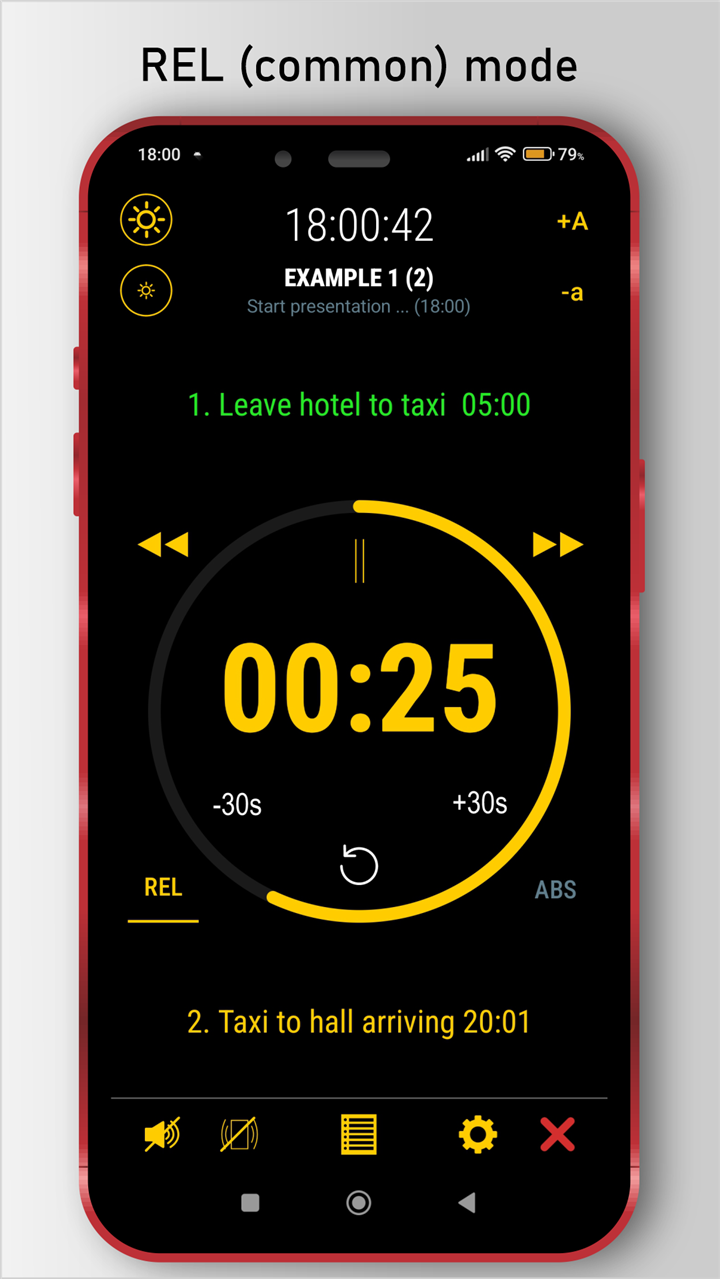
REL mode
Use NLtimer like a normal multi-stage timer: adjust time on the fly, repeat a stage, skip forward, go back, and keep moving.
No more tapping the next timer. NLtimer moves through the plan for you.
See what to do now and what comes next, without checking notes.
Run several tasks as one plan or save them as a reusable supertask.
Organize routines, share tasks, and move plans between devices.
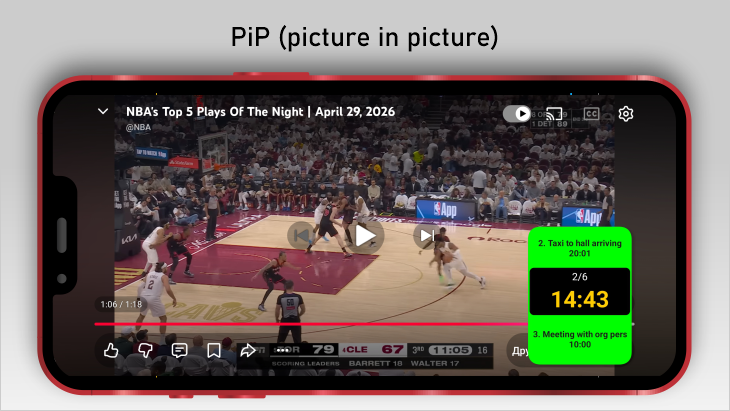
Keep the timer visible while using other apps.
Foreground service, local state, and backups help protect your running plan.
Screenshots
Feedback
Other wishes and recommendations for the app developers are welcome too.
Use cases
Free and Premium
Free
All core features are available, with practical limits while you test the workflow.
Premium
Remove limits and support continued development of NLtimer.
FAQ
A stage timer runs a sequence of timed steps. NLtimer switches between those steps automatically.
ABS mode lets you attach a stage to a real clock time. NLtimer calculates the schedule around that target.
Yes. REL mode works as a classic multi-stage countdown timer without a real-time target.
NLtimer supports Picture-in-Picture and a home screen widget so the running timer can stay visible.
Tasks and settings are stored locally on your device. Exported files and backups are controlled by you.
NLtimer is for anyone who needs a plan to move through timed stages: drivers, athletes, rally and TSD users, teachers, coaches, speakers, travelers, lab work, cooking, ADHD routines, and everyday deadlines.
A supertask is a saved combination of multiple tasks. Instead of selecting the same group every time, you can turn it into one reusable plan.
Yes. NLtimer supports task export and import, so you can share routines, training plans, race timing plans, or prepared workflows.